
With today’s smartphones equipped with multiple lenses, high-resolution sensors, and more, mobile photography has never been more powerful.
Here are tips to instantly improve your smartphone photos. Capture travel memories, create content for your side hustle, or document everyday moments with ease! 
It's simple but overlooked. Pocket lint, smudges, and fingerprints can instantly ruin an otherwise great shot. A quick wipe with a soft cloth or even your shirt makes a huge difference in sharpness.
Enable the grid feature on your phone to apply the rule of thirds. Placing your subject off-centre (at an intersecting point) can instantly make your photo more visually interesting.
Before you snap, tap your subject on the screen to ensure sharp focus. Most phones allow you to slide your finger up or down to adjust brightness - perfect for tricky lighting!
Smartphones perform best in natural light. Position your subject near windows, go outside during golden hour, or shoot with the sun behind you for soft, flattering light.
Portrait mode adds depth by simulating a DSLR-style bokeh effect. It works well for subject matter that you would like to highlight, such as people, pets and products. For best results in this mode, make sure there is an appropriate distance between the subject matter and the background.
Unless your phone has a dedicated telephoto lens, digital zoom reduces image quality. Instead, physically move closer to your subject or crop the photo later during editing.
Many newer smartphones (like the iPhone 15 Pro or Samsung Galaxy S24 Ultra) come with multiple lenses: ultra-wide, wide, and telephoto. Experiment with each to capture scenes differently - ultra-wide for landscapes, telephoto for portraits or distant subjects.
Use apps like Lightroom Mobile, VSCO, or Snapseed to enhance your photos without overdoing it. A subtle contrast boost, sharpening, and colour tweak can make a good photo look great.
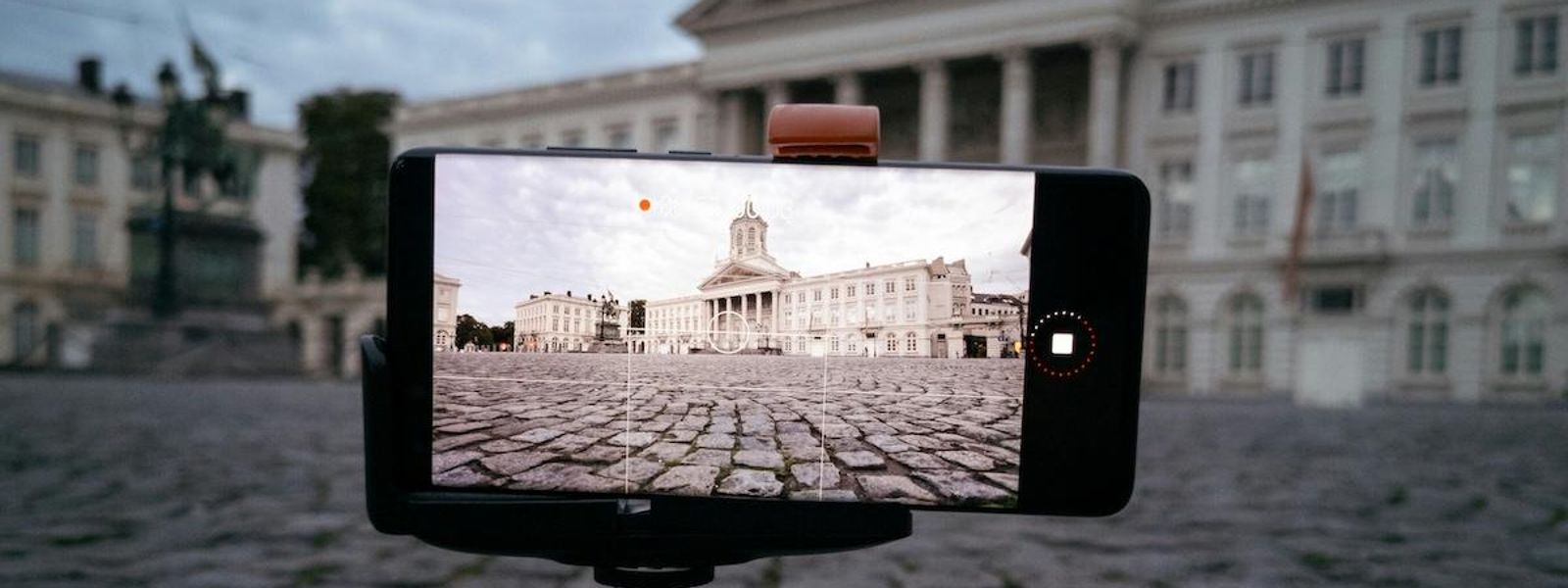
Blurry shots often come from shaky hands. Use both hands, lean on a surface, or try a compact tripod for stability - especially helpful in low light or for night mode photography.

Cameracorp Australia is a trading division of The Polygon Group Pty Ltd
More Ways to Fuel Your Passion
For over 35 years, The Polygon Group has been helping Aussies connect with what they love. Whether it's musical instruments, cameras, bikes or tech, we're here for the creators, the players, and the adventurers.





Choose a minimum rental period that suits your flexibility and affordability and simply return after the minimum rental period.

Privacy Documents | Complaints | Website Terms & Conditions of Use | Designed by Datalive Software
© 2025 The Polygon Group Pty Ltd
Cameracorp Australia is a trading name of The Polygon Group Pty Ltd
ABN 98 066 641 325 | Australian Credit License No. 412456
